

Products · Run the day
Nobody carries cash anymore. Your team shouldn't lose the tip.
Prompt for a tip on the terminal or on the phone in your pocket, split it the way your shop actually splits it, and let it land in payroll without anyone re-keying a number.
- Tip prompt on terminal and tap to pay
- Splits the whole team can see
- Tips flow into payroll
No booking commissions, no marketplace fees, no client-poaching.
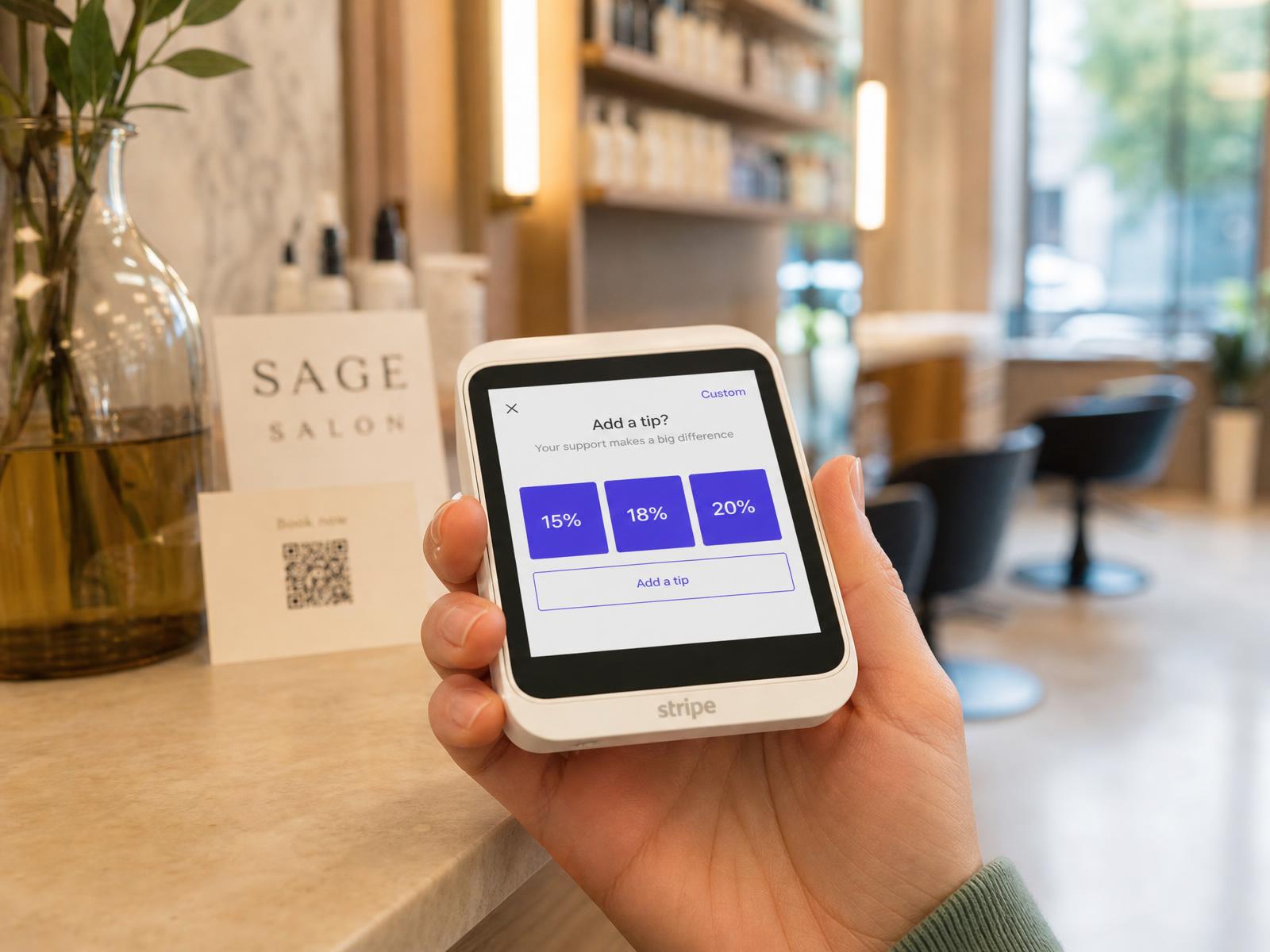
- 1Tip prompt on terminal and tap to pay
- 2Splits the whole team can see
What it does
Cashless tipping isn't one screen — it's the prompt, the split, the payroll line and the report that has to agree with all three.
A tip prompt at the moment of payment
The client is asked on the terminal or on the phone, before the payment goes through — not chased afterwards by a stylist who hates asking.
Percentages you choose
Set the preset percentages, a flat-amount option and a custom entry. Change them per location when a walk-in shop and a colour bar behave differently.
Tap to pay on the phone you own
Take a card and a tip at the chair on a supported phone. No extra hardware, no queue at the front desk.
Card terminals when you want a counter
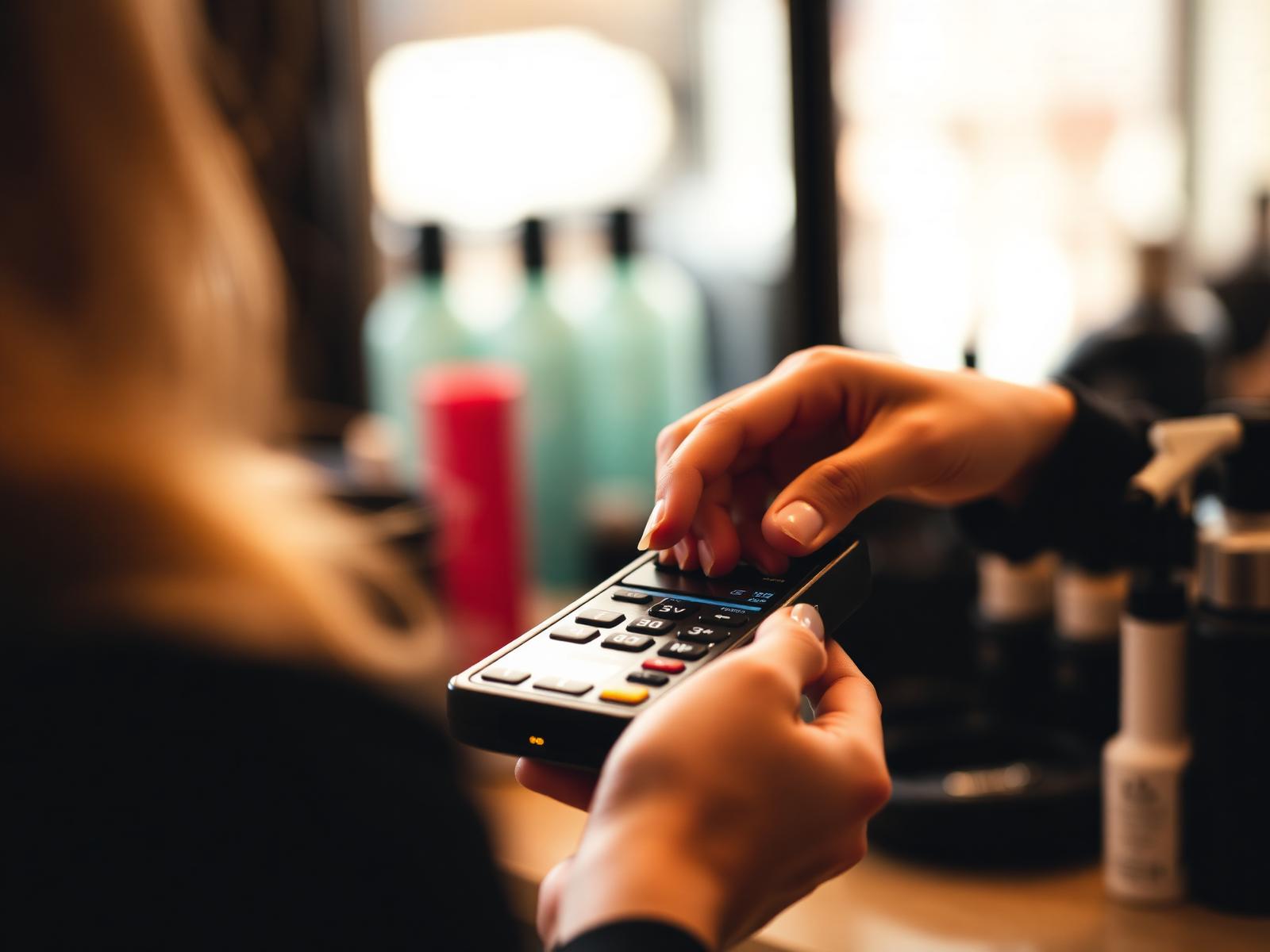
Use a Stripe card reader at reception so the client taps a physical terminal and the tip lands on the same ticket.
Splits between stylist and assistants
Split a tip by rule per service, or adjust it on the ticket, with each share visible to the person it belongs to.
Tips carried into pay
Tip totals per staff member roll into commissions, timesheets and pay-period statements — no second spreadsheet at month end.
In detail
The prompt
Ask at the terminal, not across the counter.
The tipping screen appears on the payment device while the client is still in front of you, so nobody has to raise it out loud.
- Preset percentages, a flat-amount option and custom entry
- Tip calculated on the service subtotal, before tax, so the math is defensible
- Skip is always available — a client who doesn't tip isn't made to feel cornered
- Prompt settings are per location, so each shop can behave differently
- 1Preset percentages, a flat-amount option and custom entry
- 2Tip calculated on the service subtotal, before tax, so the math is defensible
At the chair
Take the card and the tip without walking to reception.
Tap to pay turns a supported phone into the terminal, so a barber can close the ticket beside the chair while the next client sits down.
- Contactless cards, Apple Pay and Google Pay accepted on the phone
- The same tip prompt as the counter terminal — one set of rules, both surfaces
- Receipt sent by email or text instead of a printer nobody refilled
- Works alongside the front-desk reader, not instead of it
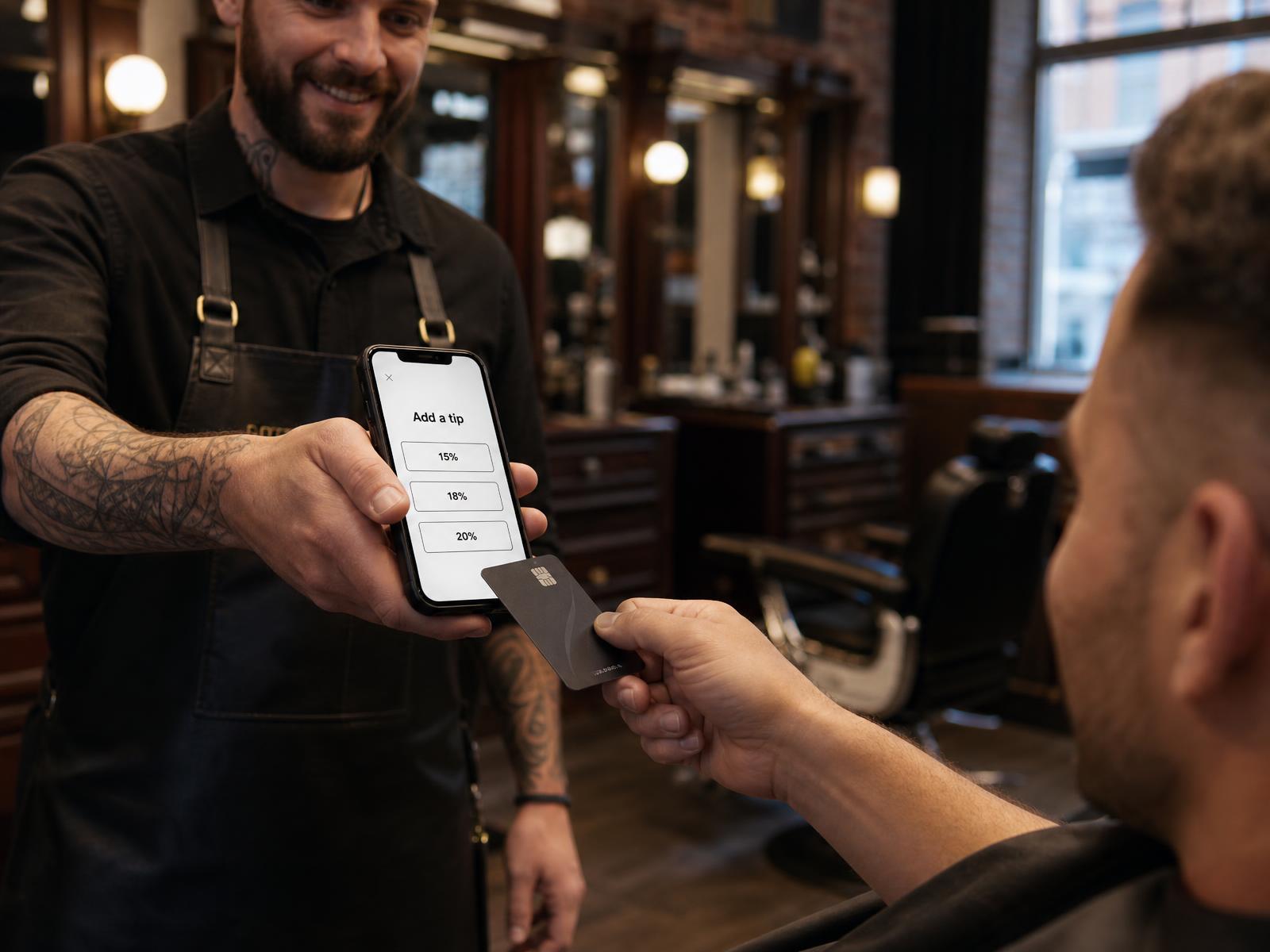
- 1Contactless cards, Apple Pay and Google Pay accepted on the phone
- 2The same tip prompt as the counter terminal — one set of rules, both surfaces
Hardware
Stripe card readers on the counter, if that's how you work.
NeonO payments run on Stripe, so you can use a Stripe reader on the desk and get the same ticket, the same tip rules and the same payouts.
- Countertop and handheld Stripe readers supported
- Contactless, chip and swipe on the same device
- Every reader posts back to the same NeonO ticket, so reconciliation is one list
- Card payments settle to your bank on Stripe's payout schedule
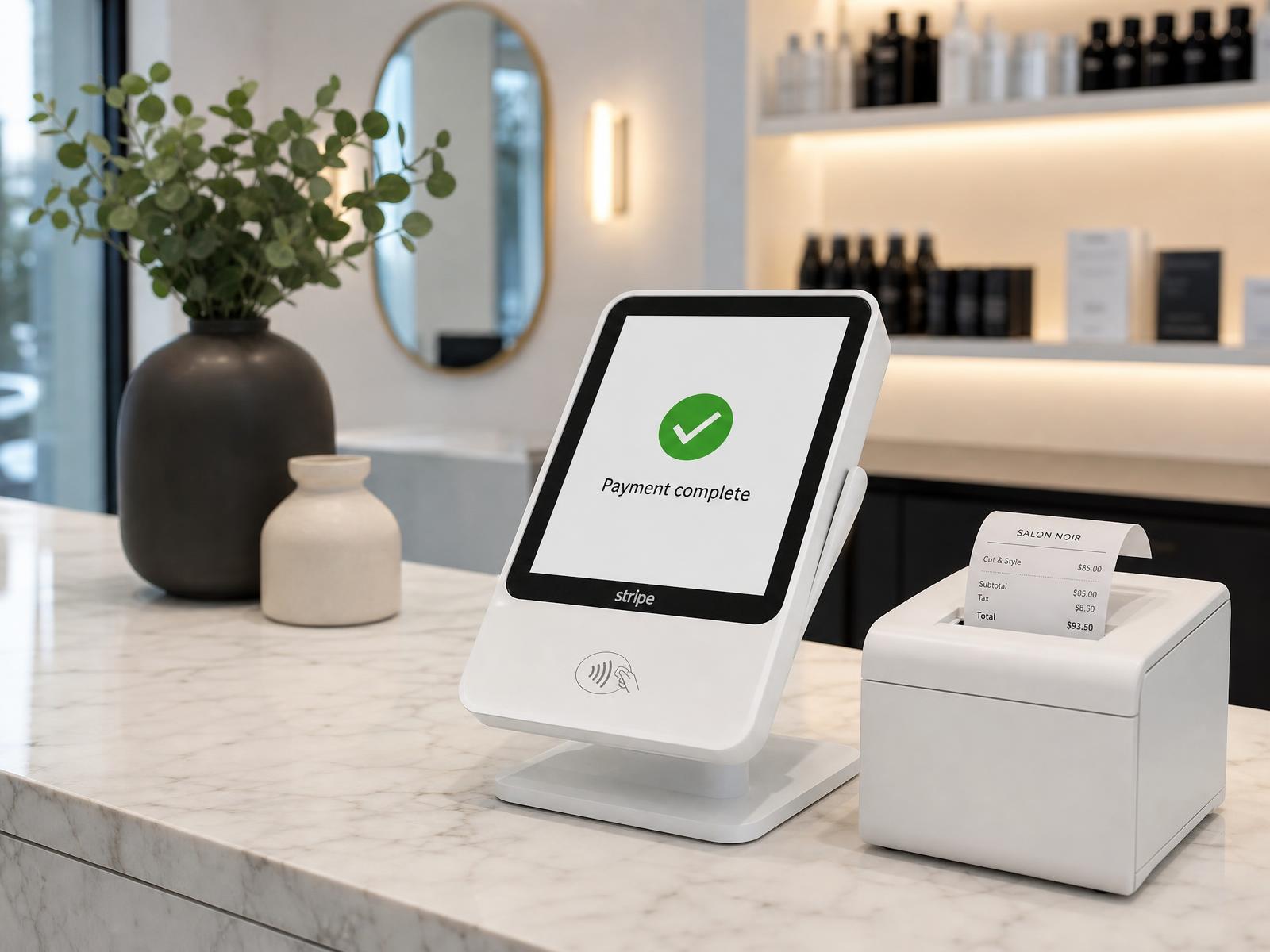
- 1Countertop and handheld Stripe readers supported
- 2Contactless, chip and swipe on the same device
Tip-outs
Split it the way your shop already splits it.
Most shops don't hand the whole tip to one person. Record the split on the ticket instead of settling it out of the till at closing.
- Split between the stylist and the assistants who worked the service
- Split by rule per service, or adjust once on the ticket when the day was unusual
- The breakdown is visible on the ticket, so nobody is guessing what they earned
- Each staff member sees their own share, not the whole shop's
- Split set on the ticket
- Each share visible to its owner
- Carries into payroll
Payroll
Tips that survive payday.
Tip totals per person carry into the pay period alongside commissions and hours, so the statement matches the tickets.
- Per-staff tip totals for the period, from the tickets themselves
- Works with commission, hourly and booth-rent staff on the same payroll run
- Statements show service revenue, tips and deductions in one place
- Nothing is re-keyed between the register and the pay run
Reporting
Know what tipping is actually doing.
Tips sit in your day close and your reports beside sales and tax, so the number in the bank has an explanation attached.
- Tips summarised per day, per staff member and per location
- Day close reconciles sales, tips, tax and payouts in one view
- Refunds and voids adjust the tip alongside the sale
- Export the period when your bookkeeper asks
Canada
Built for how Canadian shops report tips.
Tips are recorded against the staff member who earned them, with the record you need when CRA questions come up at year end.
- Tip totals attributed to a named staff member, not a shop-wide pot
- Controlled tips run through payroll; direct tips stay visible and recorded
- Records are retained with the ticket, so the audit trail is the sale itself
- Nothing here is tax advice — talk to your accountant about your setup
The math
What a missing tip prompt costs a four-chair shop.
Round numbers so you can substitute your own.
Tips not asked for, in one month
- Card tickets per week
- 180
- Average service ticket
- $70
- Tickets that never got asked for a tip
- 25%
- Tip rate when the prompt does appear
- 15%
- Tip income not collected per month
- $1,890
Illustrative arithmetic with round inputs — not a NeonO benchmark and not a measured result.
Who it's for
Tip culture is different behind a barber's chair than in a treatment room — the same prompt, split rules and payroll handoff cover both.
Included in your plan
Cashless tipping is part of Point of Sale, which is part of every NeonO plan — prompts, splits, payroll handoff and reporting, with no tipping add-on to buy.
NeonO
$24.99per billable seat, per month, CAD — only the first eight billable seats are charged
- Online booking, scheduling & reminders
- Point of sale, payments & tap to pay
- SMS & email marketing
- Free booking website & link-in-bio
- Multi-chair scheduling, commission & tips
- Analytics, reports & timesheet export
Processing is billed separately from your subscription. 2.39% + $0.30 per card-present transaction (CAD); 2.99% + $0.30 per online transaction (CAD). These are all-in rates — there is no separate application fee on top.
Questions about cashless tipping
Where does the client see the tip prompt?
On the payment device: a Stripe card reader at reception, or a supported phone using tap to pay at the chair. The prompt appears before the payment is confirmed, so nobody has to ask out loud.
Can I choose the tip percentages?
Yes. You set the preset percentages, whether a flat-amount option appears, and whether clients can enter a custom amount. Settings are per location.
Is the tip calculated before or after tax?
On the service subtotal, before tax.
Can a client skip tipping?
Yes. A skip option is always available on the prompt.
Can tips be split with assistants?
Yes. Tips can be split by rule per service or adjusted on the ticket, and each share is visible to the staff member it belongs to.
Do I need to buy a card terminal?
No. You can start with tap to pay on a supported phone and add a Stripe card reader later if you want a counter device.
How do tips reach my staff?
Tip totals per staff member carry into the pay period alongside commissions and hours, so they're paid out through your normal pay run with the statement showing the math.
What happens to the tip on a refund?
Refunds and voids adjust the tip alongside the sale, so your day close and reports stay reconciled.
Can I see tips by staff member and by day?
Yes. Tips are summarised per day, per staff member and per location, and sit in the day close beside sales, tax and payouts.
Does cashless tipping cost extra?
No. It's part of Point of Sale, which is included in every NeonO plan. Card processing fees are Stripe's standard rates on the payment itself.
Related products
Ask for the tip where the client is sitting.
Start a free trial and close your next ticket with the prompt, the split and the payroll line already handled.