

Products · Run the day
Close the ticket at the chair.
Tap to pay on the phone in your pocket, tips split the way your shop actually splits them, and retail attached to the service that sold it.
- Tap to pay on your phone
- Transparent tip splitting
- Retail on the same ticket
No booking commissions, no marketplace fees, no client-poaching.
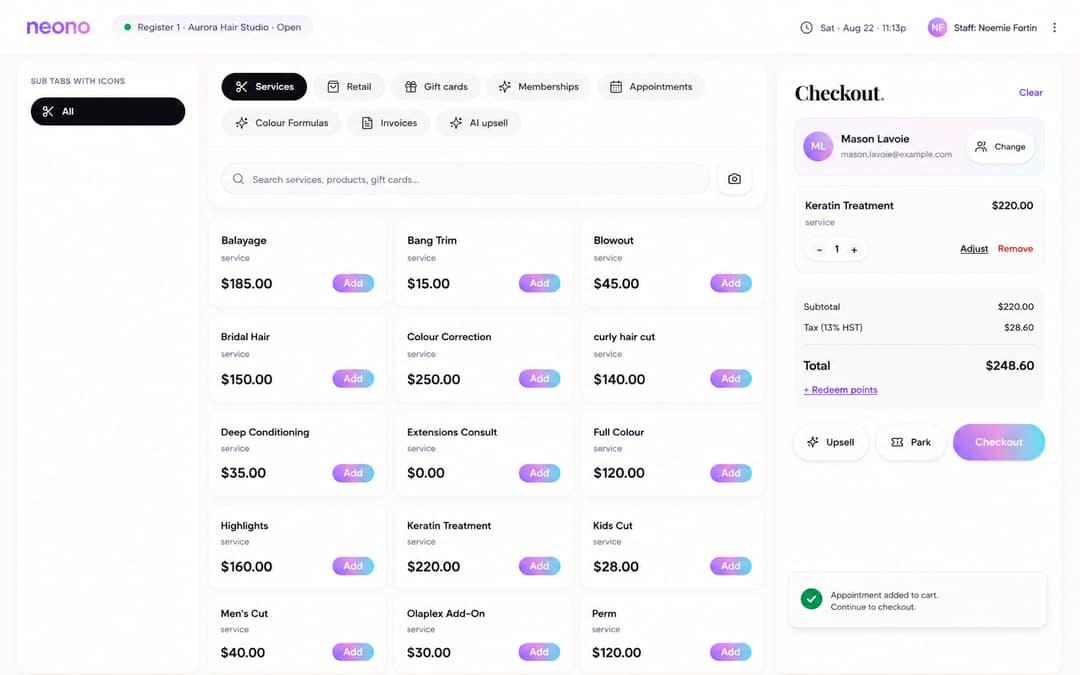
- 1Tap to pay on your phone
- 2Transparent tip splitting
What it does
Checkout that happens where the client already is, and records enough detail that payroll and inventory don't need re-keying afterwards.
Tap to pay on your phone
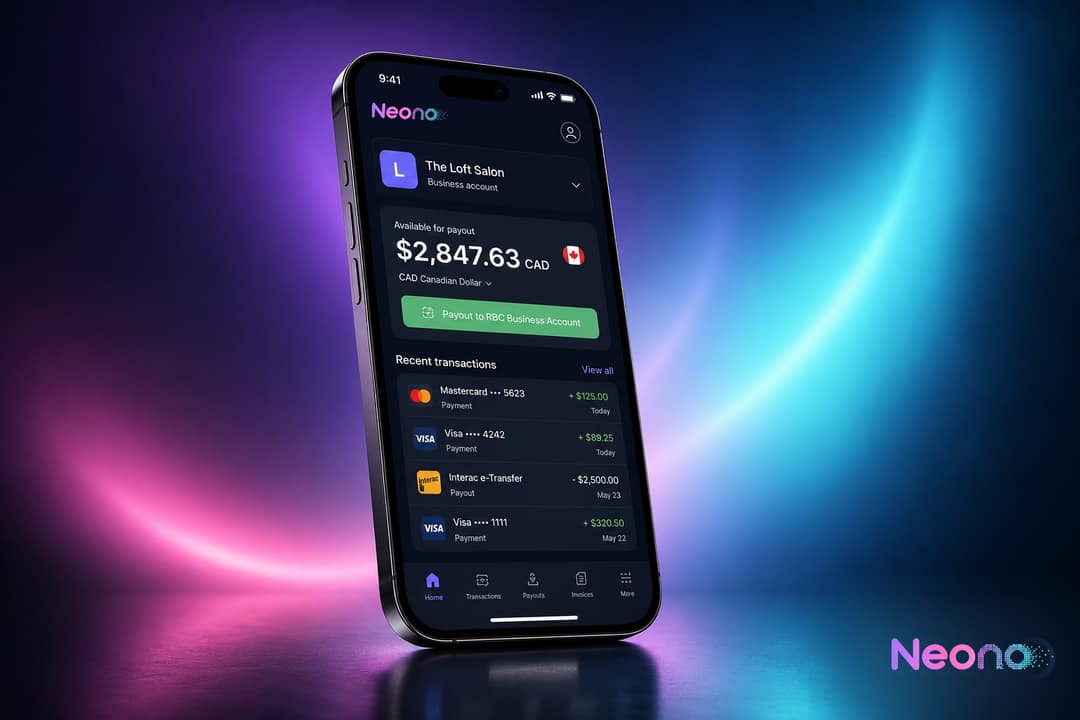
Take contactless cards and wallets on a supported phone — no separate terminal to charge, share or lose behind the front desk.
Tip splitting the team can see
Split tips between the stylist and the assistants who worked the service, by rule or by adjustment, with the breakdown visible on the ticket.
Retail attached to the service
Add product to the same ticket so the sale is credited to the service that prompted it, and stock moves at the moment of sale.
Deposits and card on file
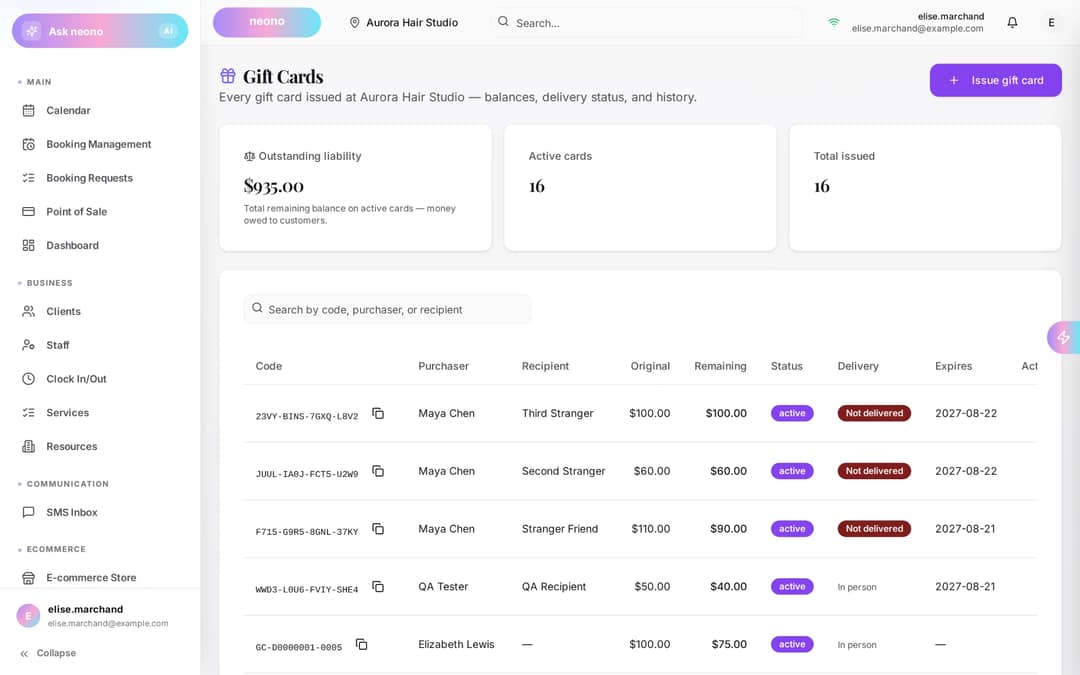
Apply a deposit taken at booking against the final ticket, or charge a stored card under the cancellation terms the client agreed to.
Splits, refunds and partial payments
Split one ticket across cards, cash and gift balance, and issue full or partial refunds that reverse the commission and stock correctly.
Day close that reconciles
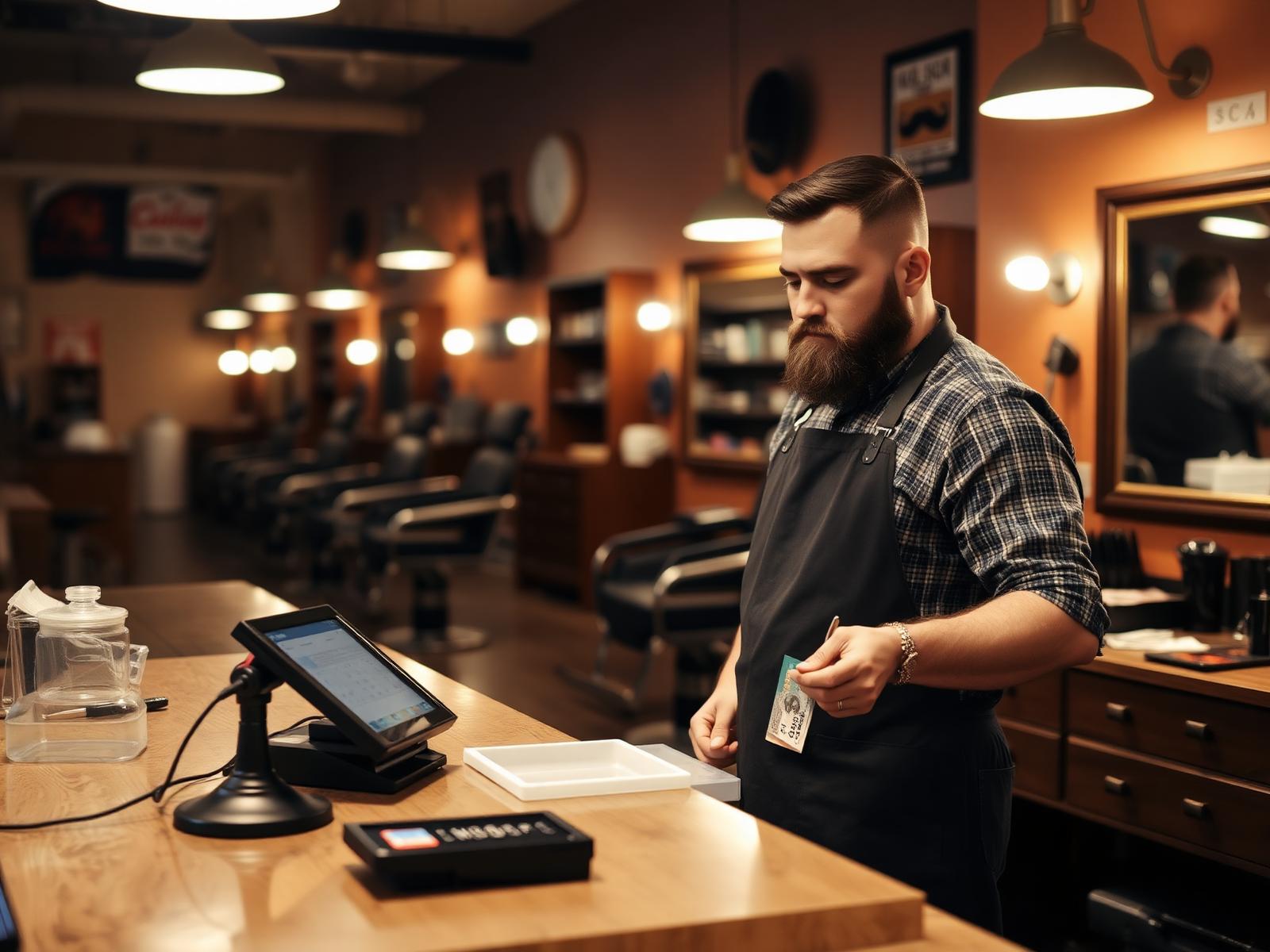
End the day with a summary of sales, tips, taxes and payouts that lines up with what lands in the bank account.
In detail
Payments
The terminal is the phone you already own.
Tap to pay means the payment happens at the chair, while the client is still in the conversation about rebooking, instead of at a queue by the door.
- Contactless cards and mobile wallets on a supported phone
- Same ticket works from a tablet at the desk when you prefer it
- Processing is billed at the published per-transaction rates
Tips
Tip splitting that survives payday.
Assistants who shampoo, apply and rinse are part of the service. Splitting at the point of sale means the split is recorded once and flows straight into payroll.
- Split rules per service, adjustable on the ticket
- Every share visible to the staff it belongs to
- Tips carry into commissions and timesheets without re-entry
- 1Split rules per service, adjustable on the ticket
- 2Every share visible to the staff it belongs to
Retail
Sell the product on the ticket that created the demand.
Retail sold at the chair while the finish is still fresh converts far better than retail sold at a shelf on the way out — so the shelf lives on the ticket.
- Product added mid-ticket with stock decremented at sale
- Retail attributed to the staff member who recommended it
- Low-stock flags surfaced from actual sell-through
- 1Product added mid-ticket with stock decremented at sale
- 2Retail attributed to the staff member who recommended it
Close of day
One number to check, not five spreadsheets.
- Sales, tips, tax and refunds summarised per day and per staff member
- Payout totals reconciled against deposits into your account
- Exports for your bookkeeper in the format they already use
End of day
One number to check
The math
What two minutes at the front desk costs per chair.
Checkout at the chair removes the walk, the queue and the re-keying. Round numbers so you can substitute your own.
Front-desk checkout time, per chair
- Clients checked out per day
- 10
- Minutes saved per checkout
- 2
- Time returned per chair, per day
- 20 min
- Over a six-day week, per chair
- 2 hours
Illustrative arithmetic with round inputs — not a NeonO benchmark and not a measured result.
Who it's for
Checkout looks different on a walk-in floor than it does in a consultation-led clinic — the ticket adapts to the trade.
Included in your plan
Point of sale is part of every NeonO plan. There is no per-ticket charge on top of your subscription — card transactions are billed at the published per-transaction rates.
NeonO
$24.99per billable seat, per month, CAD — only the first eight billable seats are charged
- Online booking, scheduling & reminders
- Point of sale, payments & tap to pay
- SMS & email marketing
- Free booking website & link-in-bio
- Multi-chair scheduling, commission & tips
- Analytics, reports & timesheet export
Processing is billed separately from your subscription. 2.39% + $0.30 per card-present transaction (CAD); 2.99% + $0.30 per online transaction (CAD). These are all-in rates — there is no separate application fee on top.
Questions about point of sale
Do I need to buy a card terminal?
No. Tap to pay runs on a supported phone, so contactless cards and wallets work without extra hardware. You can still use a terminal or tablet at the desk if you prefer.
What does it cost to take a payment?
Card transactions are billed at the published per-transaction processing rates shown on the pricing page. Those rates are all-in — there is no separate application fee layered on top.
Can tips be split with assistants?
Yes. Tips can be split by rule per service or adjusted on the ticket, and each share is visible to the staff member it belongs to.
Does retail affect stock levels?
Yes. Product sold on a ticket decrements stock at the moment of sale and is attributed to the staff member who sold it.
How do deposits taken at booking work at checkout?
A deposit taken through online booking is applied against the final ticket automatically, so the client only pays the balance at the chair.
Can one ticket be paid with more than one method?
Yes. A ticket can be split across cards, cash and gift balance, and refunds can be issued in full or in part with commissions and stock reversed accordingly.
Does it work offline?
Tickets can be built without a connection, but card authorisation needs connectivity. Payments queued while offline complete once the device is back online.
How does this reach payroll?
Service revenue, tip splits and retail attribution flow into commissions and timesheets in Staff & Payroll, so nothing is re-entered by hand.
Related products
Take the payment where the client is sitting.
Start a free trial and close your next ticket at the chair, tips split and retail attached.