

Barbershop Software · Canada
Barbershop software for booking, POS and shop management.
Manage barber appointments and walk-ins on one calendar, take payments and tips at checkout, and track booth rent or commissions in NeonO.
- Free trial · 14 days
- 2-tap checkout
- Walk-in queue
- Booth rent or commission
Start on barbershops
No booking commissions, no marketplace fees, no client-poaching.
- What is NeonO barbershop software?
- NeonO is Canadian barbershop software for appointments, walk-ins, point of sale, client records and team management, with pricing in Canadian dollars. Payment processing, hardware, taxes and usage beyond included allowances are separate where disclosed.
Choosing barbershop software in Ontario
Compare booking, walk-in scheduling, checkout and tip records against your shop's workflow. Public-health and employment obligations remain the business's responsibility; software is not a compliance certification.
Ontario employee tips
Ontario employers generally cannot withhold, deduct from, or require employees to return tips or other gratuities. Exceptions include deductions authorized by law and redistribution among employees. Review the official guide before setting a tip-sharing policy.
Source: Ontario: Tips and other gratuitiesPersonal service setting rules
Ontario Regulation 136/18 applies to premises offering hairdressing or barbering. It includes specific exceptions for premises providing only those services; requirements depend on the services offered. Booking software does not replace your public-health obligations.
Source: Ontario Regulation 136/18General information, not legal or tax advice. Confirm your own obligations with the official source.
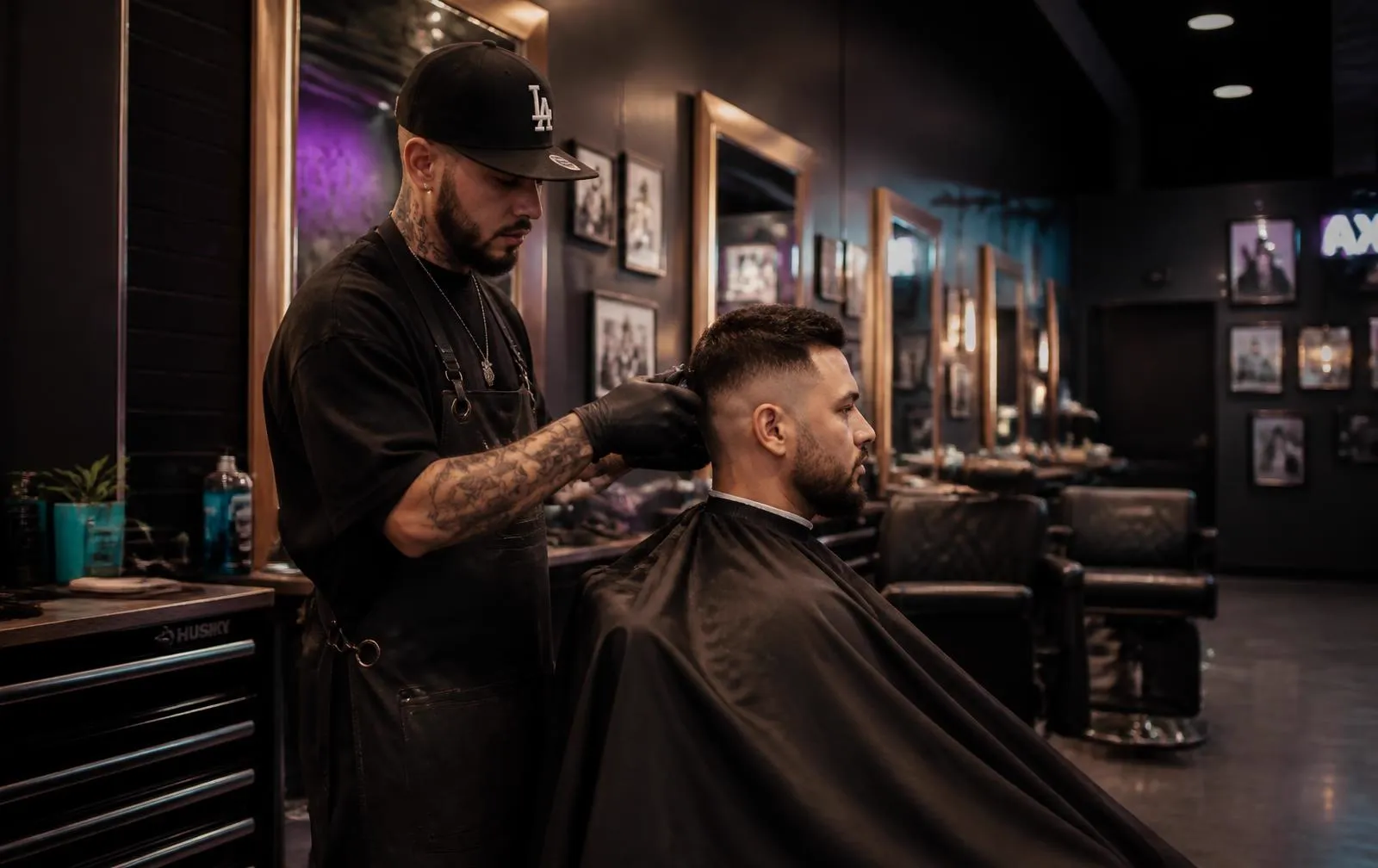
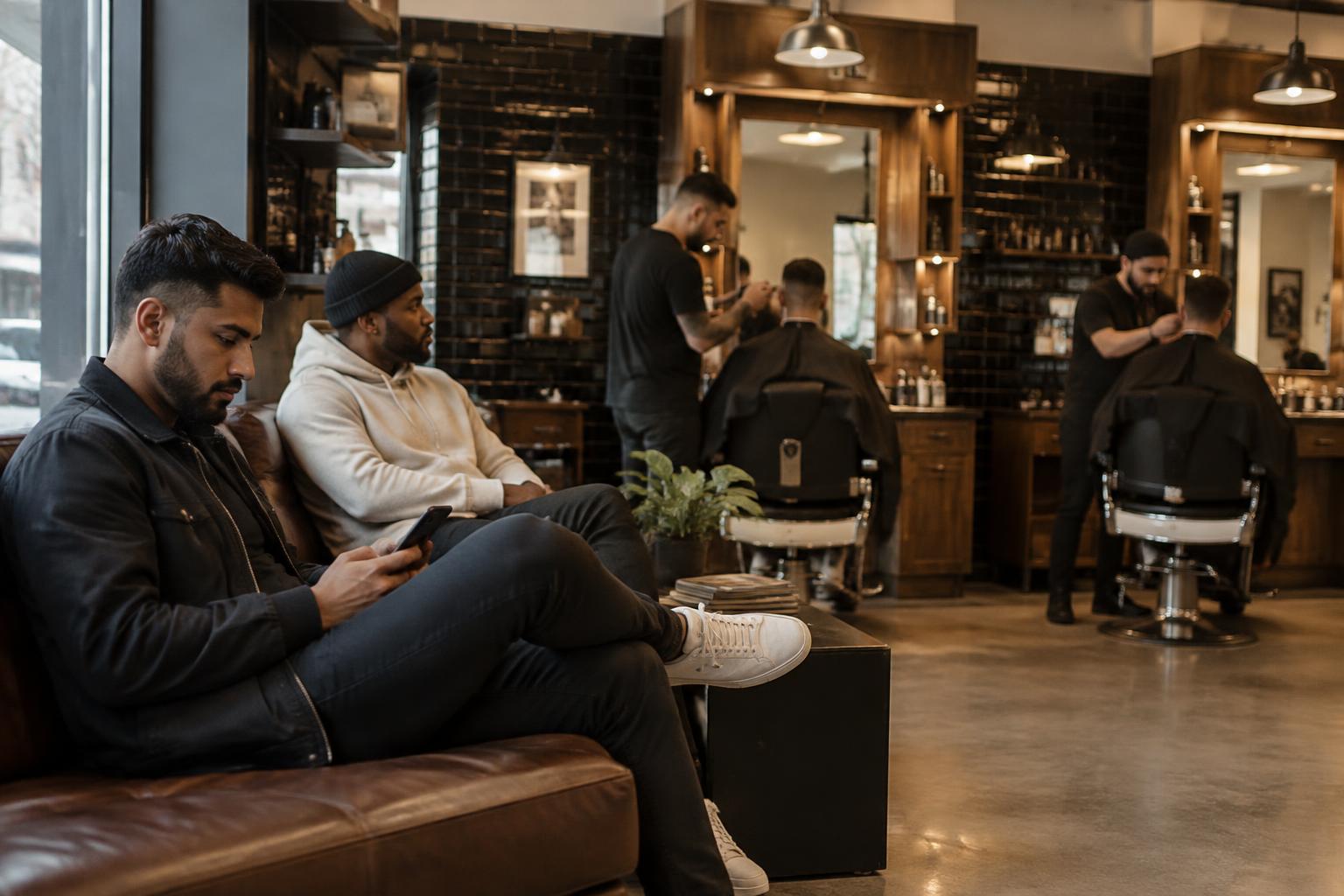
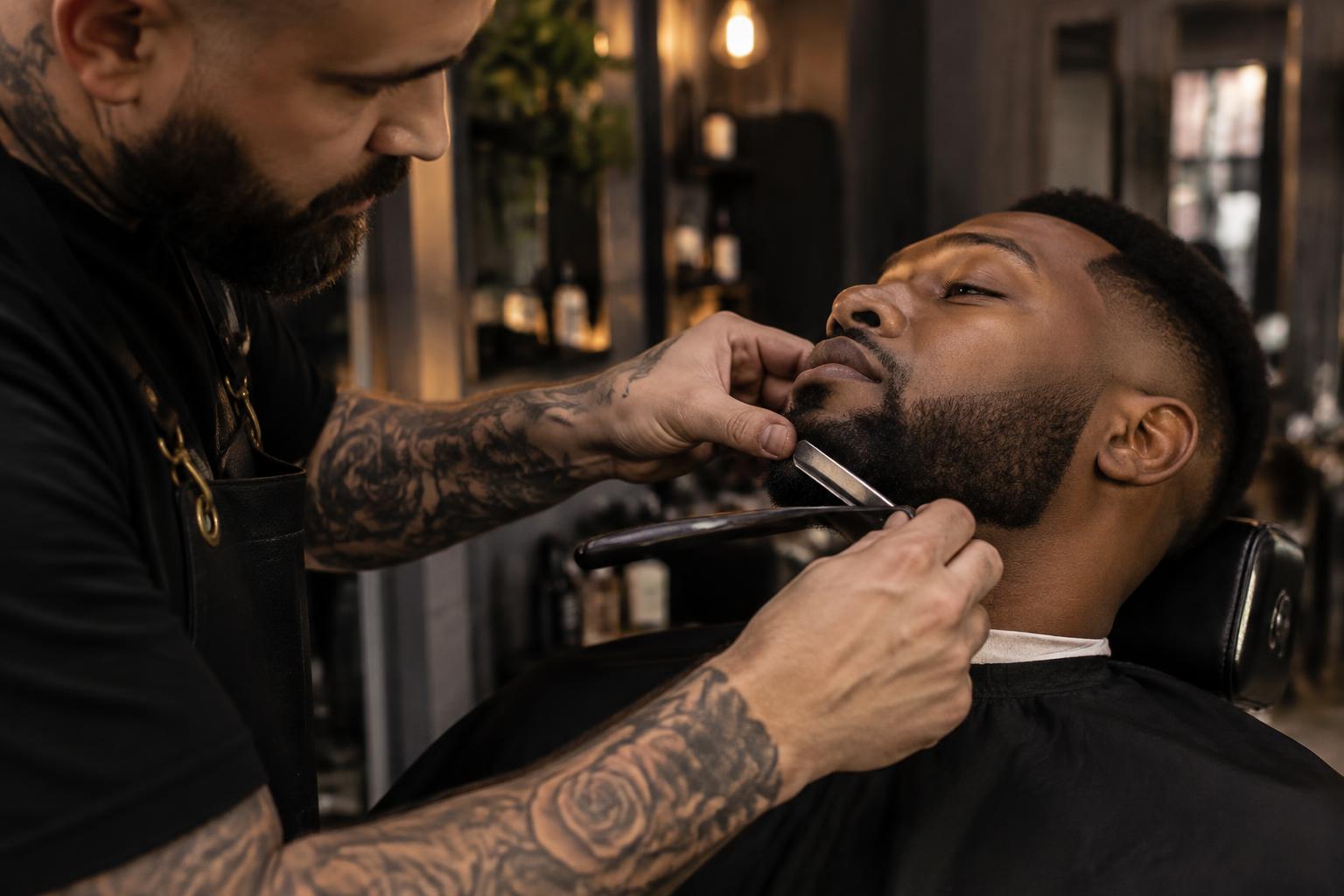
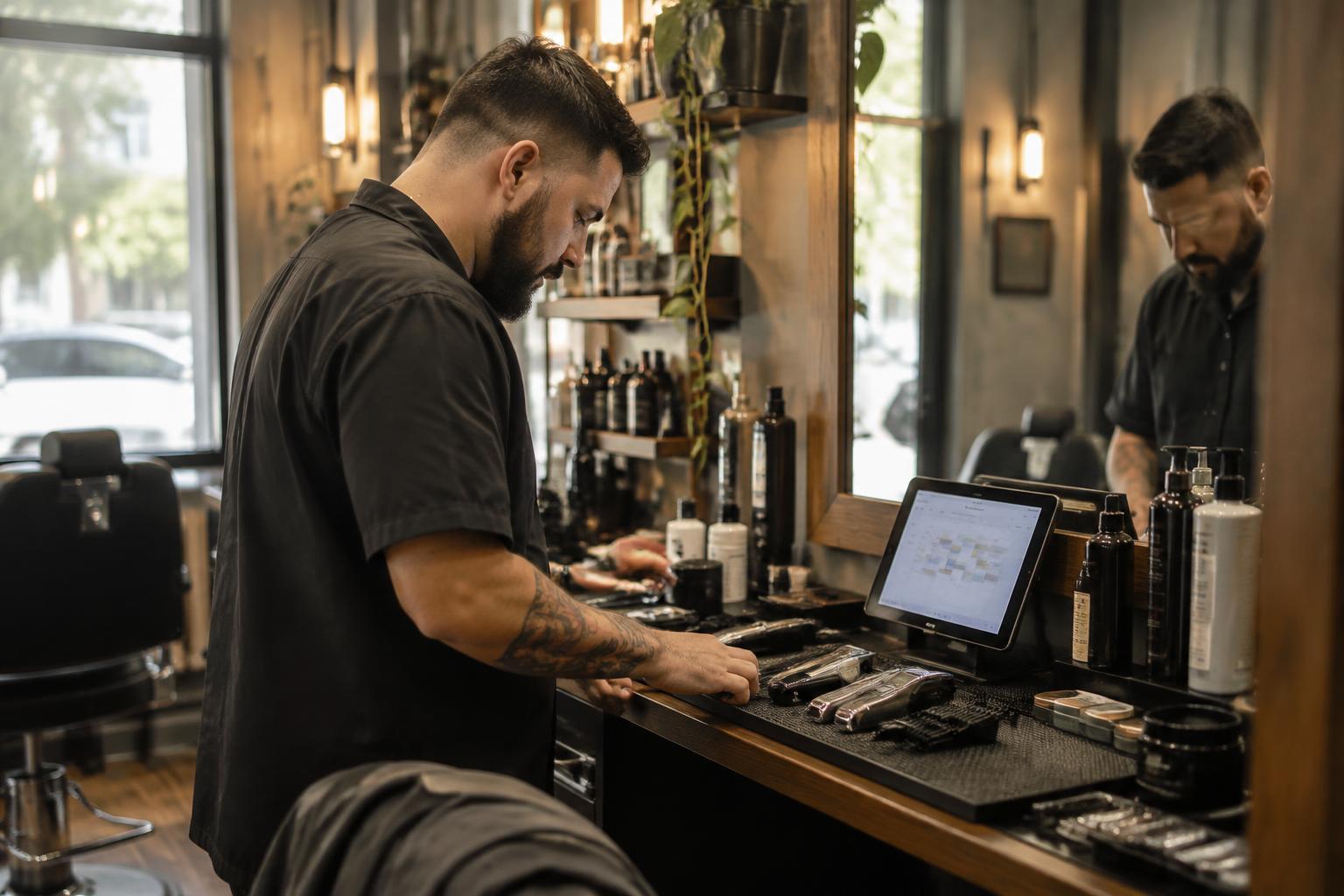
Barbershop Software · Canada · 01
Kill the walk-in guesswork
A digital queue with live wait times. Clients join from their phone or the lobby and get a text when the chair is ready.
Barbershop Software · Canada · 02
Keep chairs full
Win-back and gap-filler campaigns aim at the regulars most likely to take a quiet weekday hour.
Barbershop Software · Canada · 03
Fast checkout
Card reader checkout, tips split by your house rule, faster payouts optional.
Walk-in queue
Walk-ins shouldn't be a guessing game.
A live shop-floor view, a queue clients can join from their phone, and a utilisation report that shows you the dead hours before they turn into a habit.
A lobby full of people with no idea how long they're waiting. Barbers idle while others are backed up. Walk-ins leaving because nobody could tell them a time.
- No extra hardware — phone or tablet
- Works alongside appointments
- Included free
- Clients don't need an account
Shop floor · live
Illustrative- Chair 1 · Barber ASkin fade6 min left
- Chair 2 · Barber BCut + beard14 min left
- Chair 3 · Barber COpenopen
- Chair 4 · Barber DBuzz + lineup3 min left
Queue · estimated wait
- #1Walk-in · joined 6:02Any barber~6 min
- #2Walk-in · joined 6:05Barber B~14 min
- #3Walk-in · joined 6:09Any barber~21 min
- #4Walk-in · joined 6:12Barber A~28 min
Clients join from their phone or a lobby kiosk and get a text when their barber is ready. The top of the queue moves into the open chair on a loop.
Chair utilisation · by barber, by hour
Dead zones are where gap-filler campaigns pay for themselves. Illustrative pattern.
| Barber | 9a | 10a | 11a | 12p | 1p | 2p | 3p | 4p | 5p | 6p |
|---|---|---|---|---|---|---|---|---|---|---|
| Barber A | Barber A at 9a: 40% utilised | Barber A at 10a: 70% utilised | Barber A at 11a: 85% utilised | Barber A at 12p: 60% utilised | Barber A at 1p: 35% utilised | Barber A at 2p: 20% utilised, dead zone | Barber A at 3p: 55% utilised | Barber A at 4p: 80% utilised | Barber A at 5p: 95% utilised | Barber A at 6p: 90% utilised |
| Barber B | Barber B at 9a: 25% utilised, dead zone | Barber B at 10a: 55% utilised | Barber B at 11a: 75% utilised | Barber B at 12p: 70% utilised | Barber B at 1p: 30% utilised, dead zone | Barber B at 2p: 15% utilised, dead zone | Barber B at 3p: 45% utilised | Barber B at 4p: 75% utilised | Barber B at 5p: 90% utilised | Barber B at 6p: 85% utilised |
| Barber C | Barber C at 9a: 30% utilised, dead zone | Barber C at 10a: 45% utilised | Barber C at 11a: 60% utilised | Barber C at 12p: 50% utilised | Barber C at 1p: 25% utilised, dead zone | Barber C at 2p: 10% utilised, dead zone | Barber C at 3p: 40% utilised | Barber C at 4p: 65% utilised | Barber C at 5p: 85% utilised | Barber C at 6p: 80% utilised |
| Barber D | Barber D at 9a: 20% utilised, dead zone | Barber D at 10a: 50% utilised | Barber D at 11a: 70% utilised | Barber D at 12p: 55% utilised | Barber D at 1p: 20% utilised, dead zone | Barber D at 2p: 15% utilised, dead zone | Barber D at 3p: 50% utilised | Barber D at 4p: 70% utilised | Barber D at 5p: 88% utilised | Barber D at 6p: 92% utilised |
Pink cells are under 35% utilisation — the hours worth targeting first.
Today
Tuesday, 2pm. Two barbers idle for 40 minutes. Three walk-ins left because nobody could tell them how long the wait was. That's roughly $135 that walked out the door and never showed up in a report.
Worked example using a $45 average ticket — illustrative, not a NeonO result.
On NeonO
Live queue posted to your booking page and Google listing. Walk-ins join from their phone and get a text when the chair's ready. Idle time shows up in your utilisation report before it becomes a habit.
What changes on the shop floor.
Kill the walk-in guesswork
A digital queue with live wait times. Clients join from their phone or the lobby and get a text when the chair is ready.
Keep chairs full
Win-back and gap-filler campaigns aim at the regulars most likely to take a quiet weekday hour.
Fast checkout
Card reader checkout, tips split by your house rule, faster payouts optional.
Booth rent handled
Rent owed and rent paid are tracked per chair in the same system the barber already uses — no notebook to chase on Friday.
Free website
A booking page and link-in-bio for the shop and for every barber, live from day one.
Pay structures
Booth rent, commission, or both.
Every chair can be set up differently, and the money conversation ends with a statement instead of an argument.
Most platforms assume commission. Many shops run booth rent, and plenty run a hybrid where some chairs are rented and some are commission. NeonO handles all three without a spreadsheet on the side.
- Per-barber configuration: booth rent, commission percentage, hourly, or a hybrid of them.
- Rent owed and rent paid tracked per chair, so nothing is chased from memory at the end of the week.
- Retail margin to the shop, service revenue to the barber, tips 100% to whoever earned them.
- A clear per-barber statement each period showing services, retail, tips, rent, and net — so the conversation about money is a document, not an argument.
How a barber is classified — renter, contractor, or employee — affects tax and employment obligations. NeonO will run whichever setup you choose; confirm the classification itself with your accountant.
Period statement
Barber B · booth rent · Aug 1–14
| Line | Amount (CAD) |
|---|---|
| Services | $3,180.00 |
| Retail commission | $96.00 |
| Tips | $512.00 |
| Booth rent | minus $700.00 |
| Processing | minus $88.00 |
| Net to barber | $3,000.00 |
Illustrative figures for a booth-rent chair. No real shop or barber is represented.
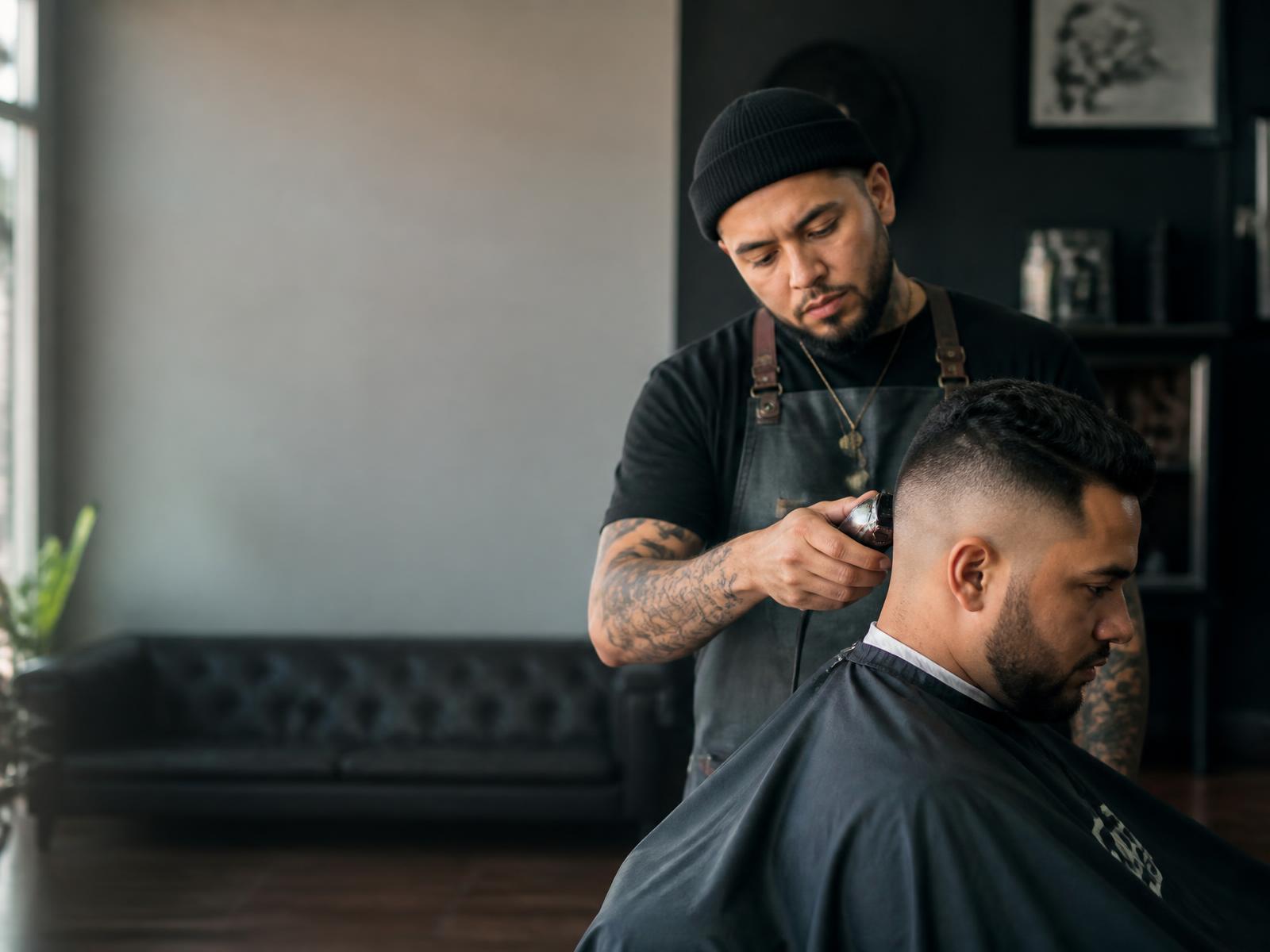
- Walk-in added to the queue
- Chair time tracked
- Rebook offered at checkout
Typical cut slot
30 minutes
Everything the shop needs, in one place.
Appointments & Walk-ins
Barber appointments and walk-ins, together.
- Walk-ins, waitlist and two-tap rebooking, all on the same calendar.
- Chair views with drag-and-drop, so a reshuffle takes a second.
- Per-barber service menus with their own timing, because nobody cuts at the same speed.
POS & Payments
Barbershop POS for services, payments and tips.
- Supported card readers at the desk or carried to the chair.
- Contactless, chip and mobile wallets with tip splitting across barber and apprentice.
- Split bills by service, and turn on faster payouts if you want the money sooner.
Personal brand booking
Your barbers get their own front door.
- Every barber gets a personal booking link and link-in-bio page.
- Clients book their barber straight from Instagram or your Google listing.
- Manage client records, service history and consent with staff permissions.
yourshop.neono.site/book/marcus
Marketing & Reviews
Keep the week packed.
- Gap-filler texts aimed at the hours your utilisation report flags.
- Automatic win-backs when a regular drifts past their usual three or four weeks.
- Review requests after checkout, routed to your Google listing.
The King Barbershop
SMS · today
Yo Marcus — it's been 5 weeks since your last fade. We have Tuesday 2:00 p.m. open with Dre. Reply YES to hold it.
YES — Tuesday 2pm works 🙌
Booked: Tue Aug 26, 2:00 p.m. · Skin fade with Dre. Reminder set for Monday.
After checkout
Fresh fade! Mind leaving the shop a quick review?
Team, Rent & Commissions
Manage booth rent and barber commissions.
- Booth rent, commission tiers and hourly staff running side by side.
- Rent drawn from the barber's own sales, with a per-period statement.
- Permissions so barbers see their own numbers, not the whole shop's.
Payout to your bank
$2,480.15
Direct deposit to your business account
Illustrative payout figures — not customer data.
Reports & AI
Know your shop by the hour.
- Chair utilisation, rebooking rate and revenue per barber, per hour.
- Plain-language weekly summaries with the one thing worth fixing.
- Staffing forecasts built from your own walk-in and booking history.
This week
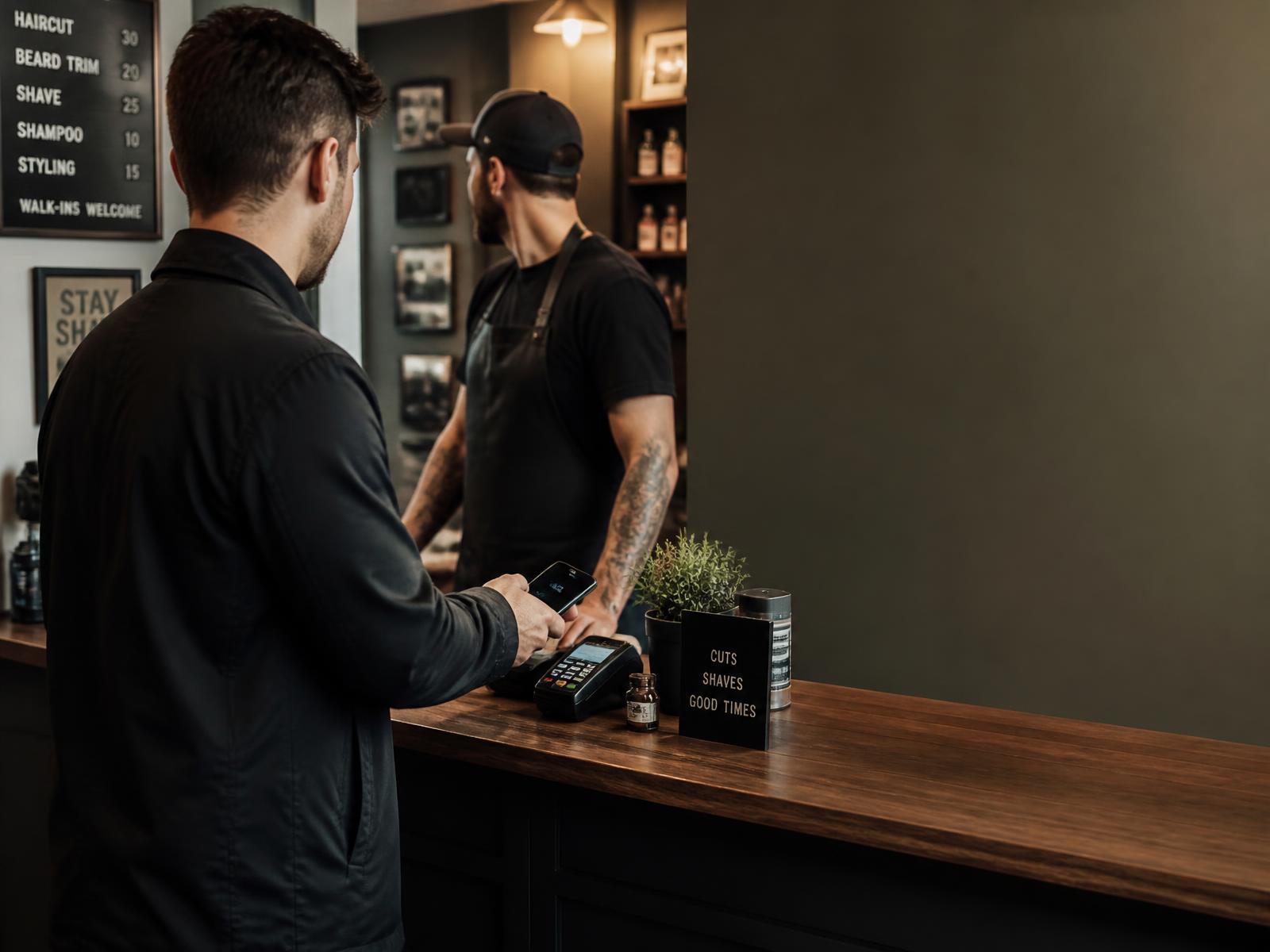
Card reader
Tip on the same device

The shop, before and after.
| Today | Without NeonO | With NeonO |
|---|---|---|
| The lobby | A paper waitlist and a crowded lobby where nobody knows their turn. | A live digital queue with a real position and a text when the chair's ready. |
| Booth rent | Chasing rent in cash on Fridays, one awkward conversation at a time. | Rent owed and paid tracked per barber, in one place. |
| Close of day | End-of-day tally on paper, reconciled the next morning. | Review end-of-day reports; payout timing depends on your payment setup and provider. |
| Quiet hours | Quiet Tuesday afternoons nobody has time to fill. | Gap-filler promos sent to the right regulars for exactly those hours. |
Economics
What your dead hours are worth.
Set your chairs, average ticket and open hours to estimate the revenue sitting in the gaps the utilisation report finds.
Estimated monthly recovery
$4,419
Assumes 18% of chair hours land in identified dead zones and roughly a third of them get filled. An estimate, not a guarantee.
Run the full savings calculatorWorks with the rest of your counter.
Payments
Card terminals
Card readers pair to the till; processing billed separately at published rates.
Discovery
Google Business Profile
Your booking link and live wait time on your Google listing.
Finance
Accounting export
Sales, tax, tips and booth rent exported in a format your bookkeeper can import.
Plan your move with an export assessment.
Importable records, scope and timing are confirmed after assessment of your export and written cutover approval. Review imported records and chair settings before switching.
Commonly switching from
- Fresha
- Vagaro
- Booksy
- Square Appointments
- Squire
- Paper books and spreadsheets
- 1Export your clients, cut history and service menu from your current system.
- 2We import and reconcile them, then show you a preview before anything goes live.
- 3Set each chair's pay structure — rent, commission, hourly or hybrid.
- 4Switch the booking link and the queue over, and retire the old subscription.
One price list, in Canadian dollars.
Processing is billed separately from your subscription. 2.39% + $0.30 per card-present transaction (CAD); 2.99% + $0.30 per online transaction (CAD). These are all-in rates — there is no separate application fee on top.
NeonO
$24.99per billable seat, per month, CAD — only the first eight billable seats are charged
- Online booking, scheduling & reminders
- Point of sale & card payments
- SMS & email marketing
- Free booking website & link-in-bio
- Multi-chair scheduling, commission & tips
- Analytics, reports & timesheet export
Explore the platform
Every part of NeonO your trade touches — open any product for the detail.
Questions barbers ask.
How does the 14-day free trial work?
You get full access to the queue, calendar, POS, and booth-rent tracking for 14 days with no credit card required. Run real cuts, take real payments, and invite your barbers. If it's not the right fit, export your data and walk away.
What happens during onboarding?
We assess your export, confirm importable records and setup scope, then review chair settings with you. Timing is agreed after assessment and written cutover approval; payment activation depends on provider requirements.
How quickly can we start booking and taking payments with the POS?
Booking setup and payment activation have different requirements. Confirm your service menu, staff availability, supported hardware and payment-provider onboarding before setting a launch date.
We're on another system — how hard is it to migrate?
Start with an export assessment. Importable records, scope and timing are confirmed with you before written cutover approval; review the imported records before switching your booking link.
What hardware do we need?
For in-person card payments you need a supported card reader. The queue runs on any phone or tablet, and receipt printers and a lobby screen are optional.
Do you support booth rent as well as commission?
Both, and hybrids. Each chair is configured on its own: booth rent, a commission percentage, hourly, or a mix. Rent is drawn from that barber's own transaction stream and shown on a per-period statement.
Do barbers get their own booking links?
Yes. Every barber gets a personal booking link and link-in-bio page they can put on Instagram or anywhere else. The shop keeps the client record.
How do walk-ins and appointments live on one calendar?
Appointments hold their slot and walk-ins fill the space around them from the queue. The estimated wait uses each barber's real service timing, so it moves as the day moves.
How are tips split and who gets what?
Tip allocation depends on your configured policy and applicable employment law. In Ontario, review the official tips guidance linked above before setting a pooling or redistribution policy.
Do SMS and the website cost extra?
The booking site, per-barber links and queue are plan features. Messaging is subject to included allowances; usage beyond those allowances and optional paid services are separately priced where disclosed. Payment processing, hardware and taxes are separate.
Does it handle multiple locations?
Yes. Each shop keeps its own queue, staff, menu and reporting, with a roll-up view for owners and shared client records across the group.
What happens to our client data if we leave?
It stays yours. Clients, cut history and sales data export in standard formats at any time, and we don't market to your clients.
Book your free trial and cut the chaos this week.
Start on NeonO free for 14 days. Run the queue, checkout, tips, and booth rent on one platform before your next Saturday rush.